
9. Double click any tab to minimize ribbon
Another favourite of mine if I am not free to wander more blocks in Excel due to small screen size. Simply double click any tab in the ribbon above and the ribbon will minimize allowing more work space. Keyboard shortcut for this is Ctrl+F1. In Excel 2010 you also get an arrow just at the left of help button to minimize the ribbon.
10. Double click worksheet tab to rename
Default worksheet names are boring. Rename them to make them more meaningful but who is going to do right click and then click rename. Simply double click the tab, type the new name, press Enter and go fishing 🙂

11. Double click scroll bar adjuster to expand scroll bar
A usual problem of workbooks with many workbooks is that worksheet tabs get hidden under scroll bar. But we can fix the issue by moving the scroll bar adjuster to the right to show as many tabs as we can. But what if we want to use scroll bar now? Well double click the adjuster and it will go its default position making scroll bar readily available.

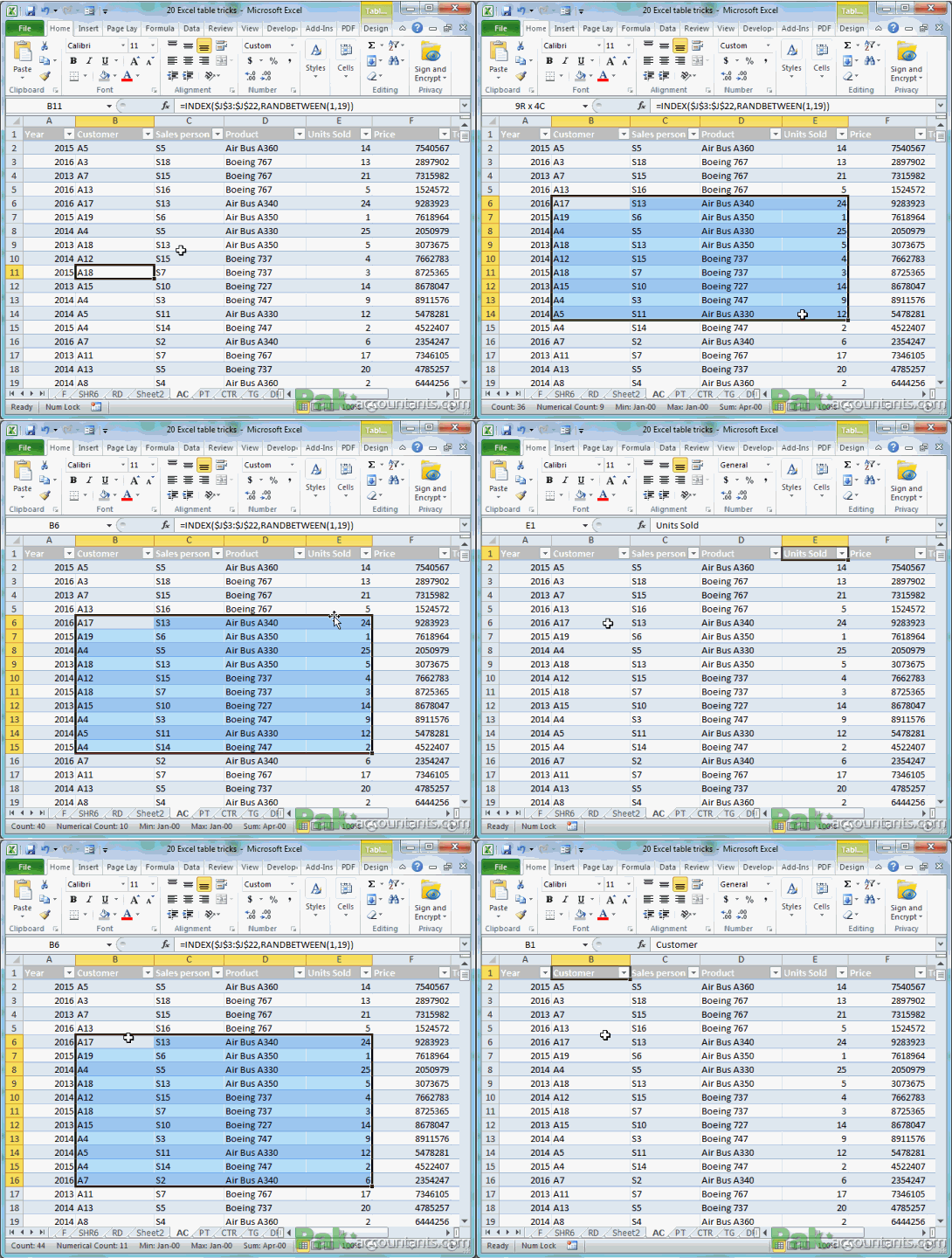
12. Double click the top boundary of selection border to go to the first cell of the same column
Having a selection made, if you double click the top border of selection then you will navigate to first cell of the column i.e. the first row of the same column in which double click was made.
If there is any filled cell in between then it will go just below it.

Asslam O Alakum
Masha Allah Its very good effort to support students and professionals.