

Excel chart of Top / Bottom “N” values using RANK() function and Form controls
Ever fancied that you have large set of data and from it you can have a chart of top or bottom N values and better yet you have the ability to switch between chart...
Add a vertical line to Gantt Chart or Stacked Bar Chart in Excel -...
In last tutorial on gantt chart in Excel for project managers we learnt the simplest and fastest way to chart project activities/tasks. Today we are learning how to add a vertical line on the...
Gantt Chart in Excel - How To + Free Template + Online Gantt Chart...
Gantt chart is the simplest-most effective visual for planners and project managers. The most favourite tool to make gantt charts is Excel for two reasons:
we curate data in Excel and;
Excel stacked bar...
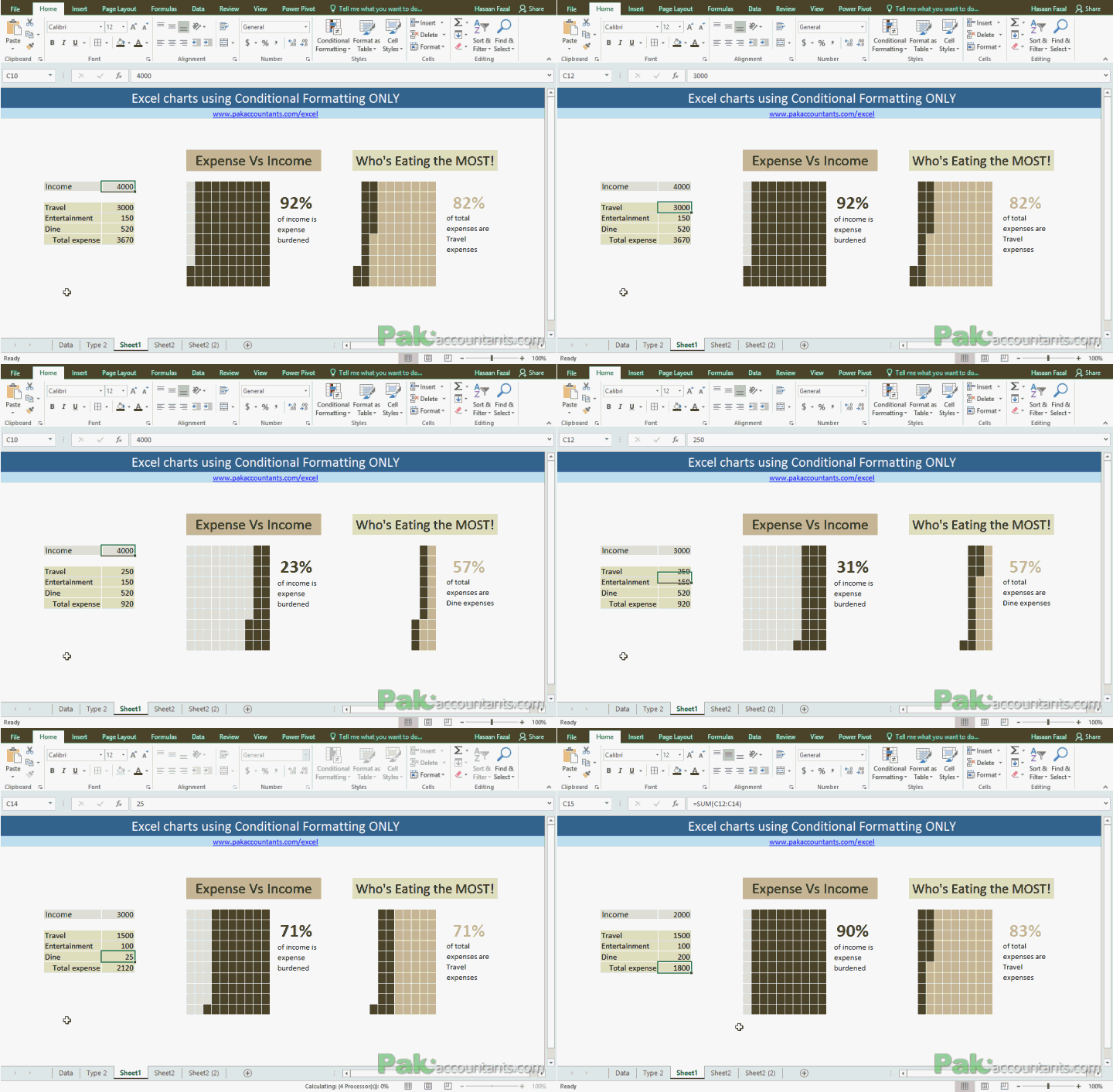
Make Waffle Charts in Excel using Conditional Formatting - How To
To get the inspiration for better charts and Excel dashboards one must be observant of such pieces of information that are often found in newspapers and the internet. For that matter, Pinterest and The...
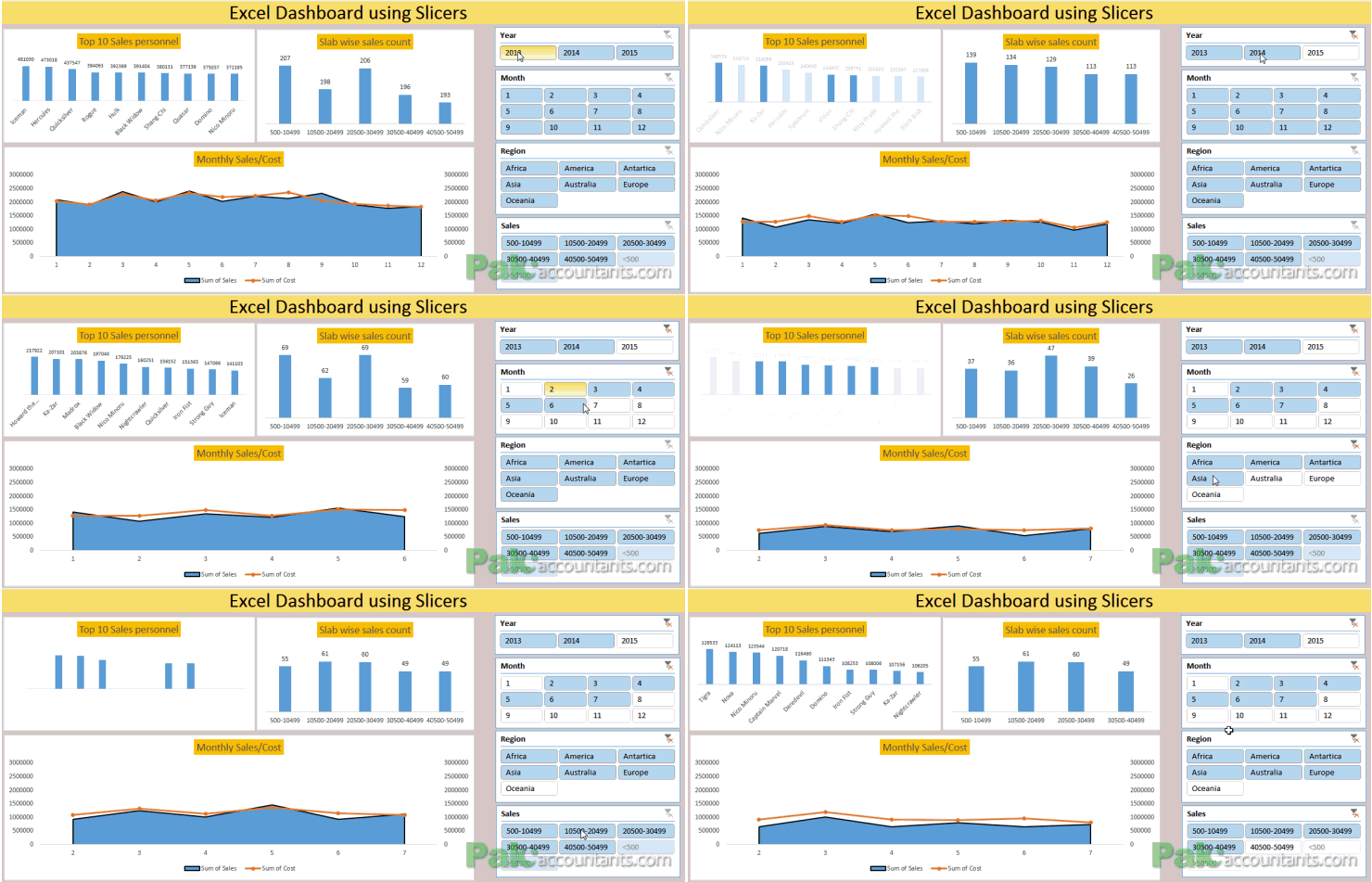
Making Sales Dashboard using Excel Slicers - How To
So many reasons why not to hate Excel dashboards. They are beautiful, they are dynamic, they make everything super easy to understand. And not to mention it one cool way to grab attention at...

Create Project Timeline Charts in Excel - [How To] + Free Template
Today we are learning how to create project timelines or project timeline charts in Excel. One can say that timeline charts are simpler versions of gantt chart as they usually don't involve activity's stage...

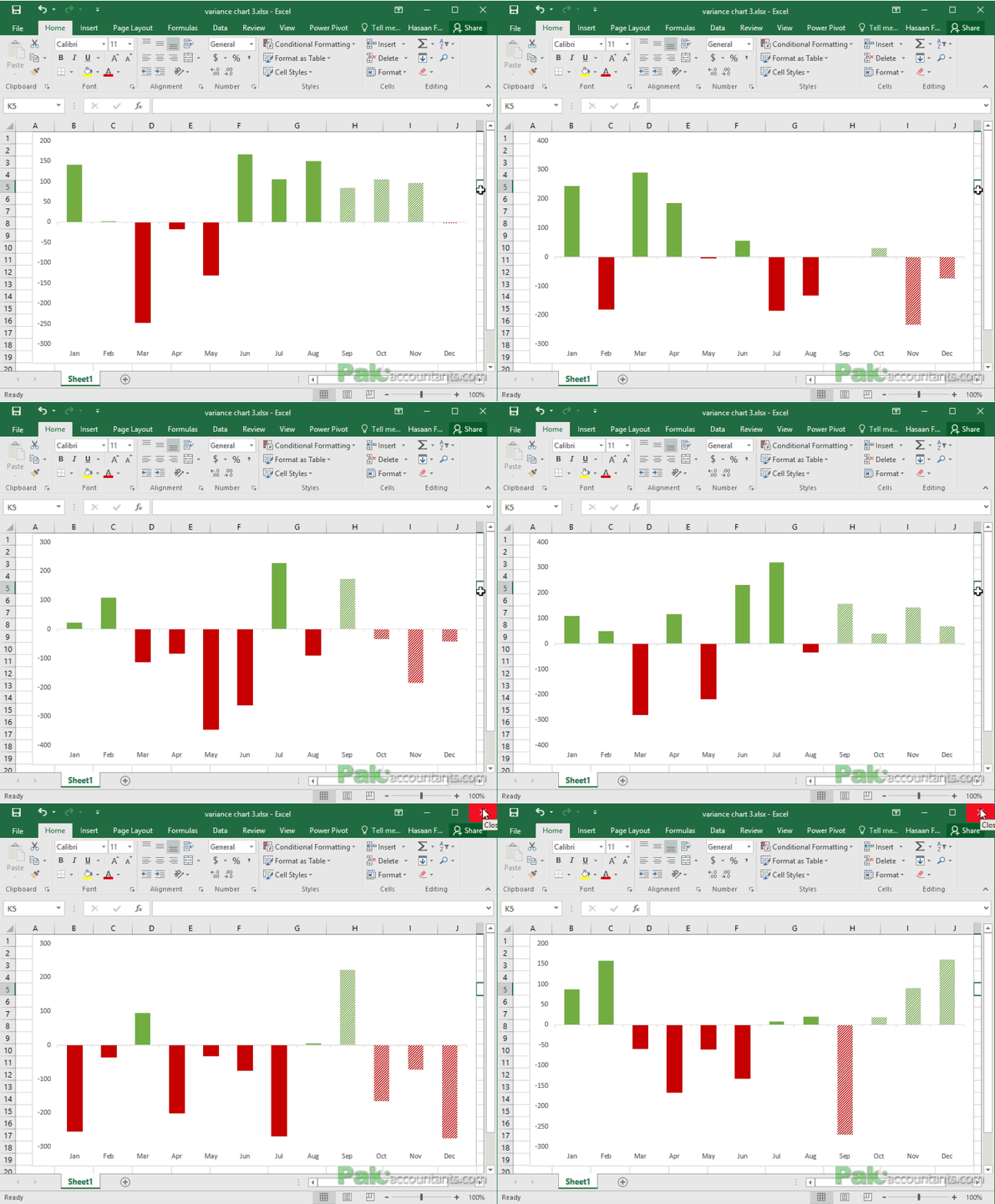
10+ ways to make Excel Variance Reports and Charts - How To
Whether it is daily life thing or any day at work, we are always comparing to see whats good and what is not so good. This differential analysis has a much popular name as variance...

How to show data of hidden rows/columns in Excel Charts
By default if you hide a certain row or column of a data on which a chart is based, Excel will automatically hide that data too. I must confess that I was quite annoyed...

Enable or Disable Excel Data Labels at the click of a button - How...
Data labels in Excel charts can help users to get the information right at that spot without referring to any other source of information. In some situations however, same data labels can get in...

Creating and Working with Dynamic Charts in Excel
Title should be "making charts dance to your command in Excel" but lets keep it technical :)
OK let me be very quick at it as I learnt about this almost by chance. I used...